


Countless people worldwide are fans of using Google Chrome for their internet browsing needs. One reason for this search engine’s popularity is the easy access to Chrome’s Incognito mode. With Incognito mode, your activity and information are not saved, so many users feel safer using it. We will be taking a look at common reasons why people use Incognito mode, and whether it is more secure than browsing regularly.
The History of Incognito Mode
Incognito mode has been around since 2008. Back then, the primary purpose for this mode was for people to hide certain searches from others who shared the same computer. An example of this purpose would be a man who wants to hide his searches when he is looking at rings to surprise his girlfriend with a proposal.
Why Use Incognito Mode?
When you use Incognito mode, the cookie data gets deleted when you complete your browsing. This means that your passwords and usernames will not save on the device, and you will be clearing your unsaved shopping carts. The reason that many people prefer to delete their cookies is so that they can try to avoid tracking cookies from third-party advertisers. Third-party cookies have the purpose of collecting information about your browsing habits, IP address, and interests. Once advertisers have this data, they will create targeted ads that you will start to see online.
Incognito mode will also ensure that that your browsing history remains confidential. This can be beneficial both at home and in the workplace. If you work for a smaller company and have to share computers, you might need to use Incognito to avoid breaching confidentiality requirements. An example of this is when an HR staff member needs to use the computer to conduct a background check and search for people online. Incognito mode will benefit them, as they do not need to worry about other staff members seeing who they were searching or what the results of the search were.
Since Incognito will forget your internet history, this enables you to sign onto the same website with the same account. This is helpful to people who want to log into their work portals on two different browsers to speed up their workflow. You can have one screen open as a regular browsing window, and the other one opens as an Incognito window as you work.
Disadvantages of Incognito Mode
Your Activities Are Not Hidden
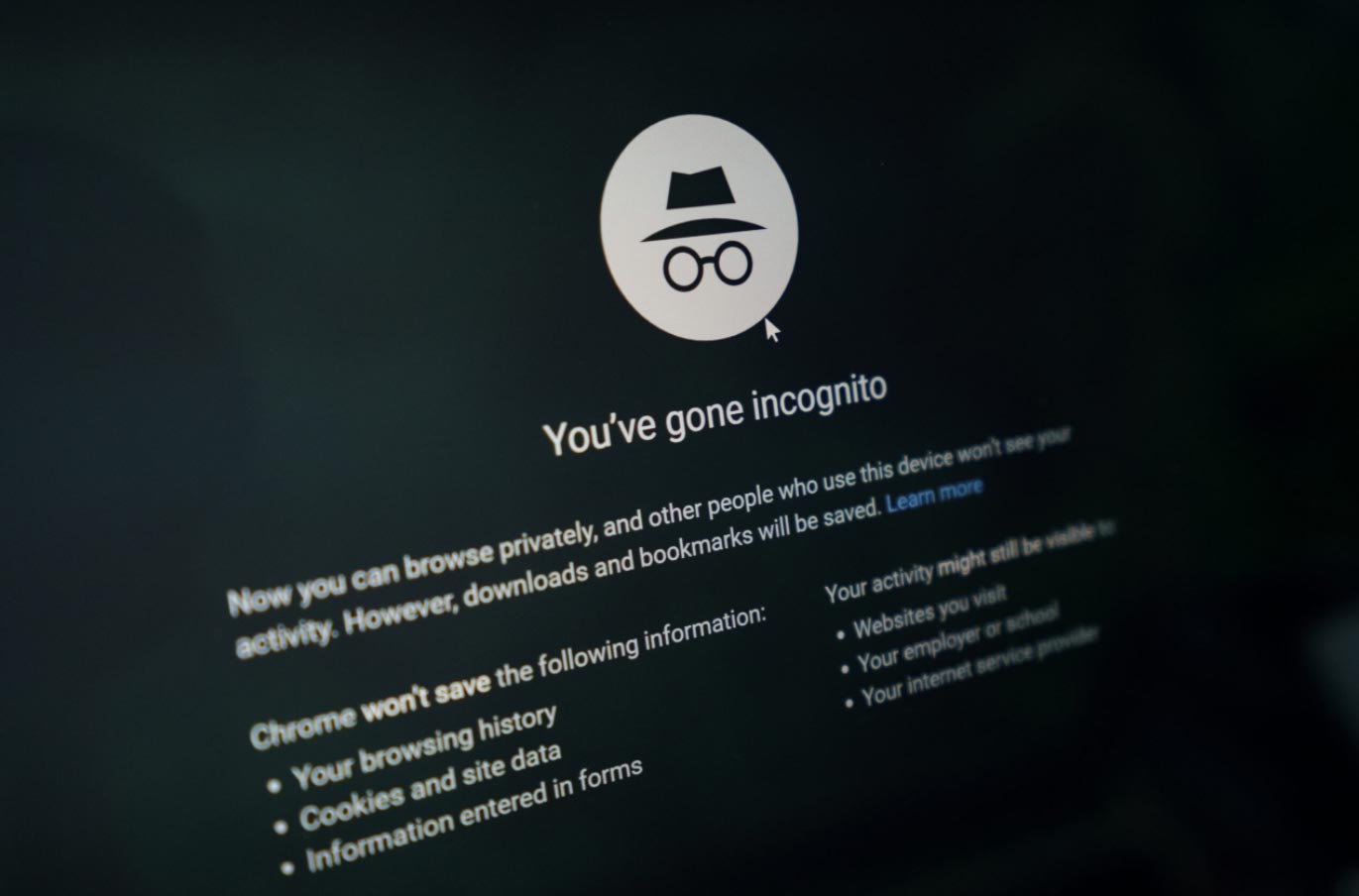
There is a common misconception that since Incognito mode does not save your browsing activities, there is no way for anyone to view your internet usage. This is untrue, as anyone who has access to your network can see which websites you are visiting. When you open Incognito mode, you will even get a message saying that “your activity may still be visible to websites you visit, your employer or school, and your internet service provider”.
If you use Incognito mode while connected to someone else’s network, e.g., the office network at your job, your employer can easily check which sites you have been visiting. If you were not visiting these sites for business-related reasons, your employer may have ground to give you a warning or even fire you. Most employers would not have the technical knowledge to check the network activity of their employees, but the IT department might conduct regular checks as a policy.
Advertisers Can Still See Your Activity
Despite deleting all cookies when you close an Incognito page, advertisers can still monitor what you browse online. This happens because website operators and providers can see your activity and sell it to advertisers for a profit. Typically, this excludes sensitive information such as bank numbers, records relating to children, and medical histories.
Advertisers will use this data and add it to the pre-existing profile that they have created for you. You will see more targeted ads based on searches from your Google account. Advertisers will also be able to target you based on your location, as Incognito does not hide this. This means that you will start to see ads for local shops, restaurants, or events based on where you live.
No Protection from Malware
When you download files from the internet using Incognito, this is no different than using a regular browser. The files will still be on your computer, whether they are safe or not. Malware can attach to your computer through files, links, and removable devices no matter which mode of browsing you are in.
You should always run a scan of downloads and removable devices to be sure that they are safe. Many anti-virus software systems will automatically start a scan as soon as you download a file or plug a device in. If they don’t, then you will have to run the scan manually. In addition to this, you should never click on an unfamiliar link. This can install spyware or viruses on your computer, or you fall victim to identity theft if you enter confidential information that goes straight to a hacker.
The Verdict?
Google Chrome’s Incognito mode is very useful in its own way. If you are sharing a computer at home or with co-workers, Incognito mode will keep confidential work separate from each individual. It also enables you to work more efficiently if you have both modes open at once and you are using the same account to log into a platform.
On a broader scale, Incognito is not completely secure when it comes to hiding your activities, protecting your privacy, or keeping your device safe from malware. There is always someone who will be able to see what you are doing, which is why you should always be wary about conducting private business online.